1 · Add a language
Add a language to the site and define its name, code, and URL prefix.
In this step, define a language for your site. Until a language is defined, you can't select it in the page form.
Add a new language
Enter the language details
On the Languages screen, click Create New Language. Enter the display name in Language Name, the ISO code in Language Code, and the URL prefix in URL Prefix. Leave the root language's URL prefix blank; use a prefix such as /en for other languages. Click Create to save the language.
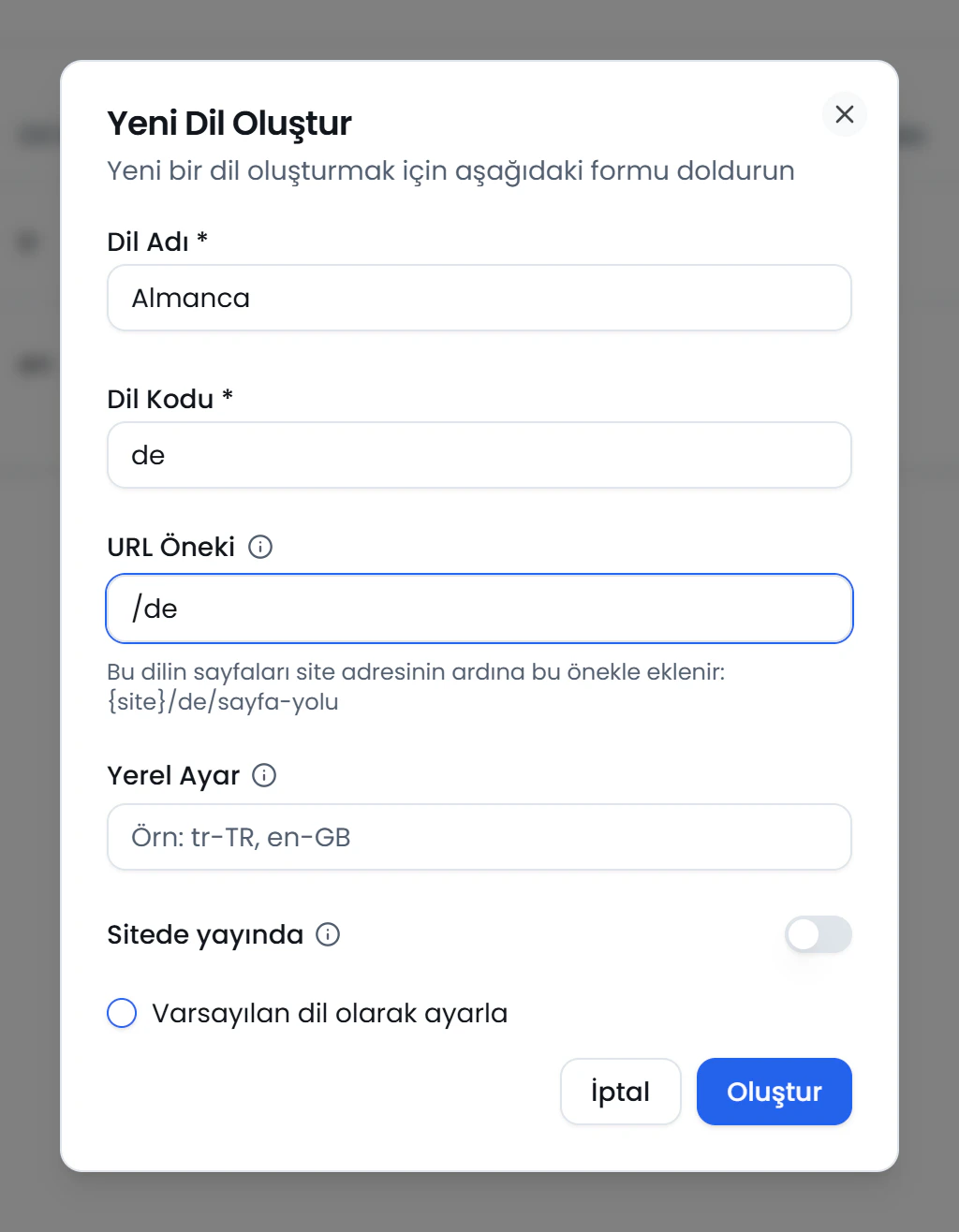
Language Name
Click the numbers or use the ← → keys.
Set the default language
Mark one of the site's languages as the default. The default language can have a blank URL prefix.
Next step: Create a template.
Finished this step?
Mark it to save your progress on the editor path.
Related pages
3 · Create a list
Add structured fields to pages and manage repeating content, such as a news section, with a list.
4 · Build a form
Create a form, set up its fields and submission flow, and track submissions in the inbox.
5 · Create a page
Create a new page, set its basics, and get started on its content.