Editor documentation
Guides to creating and managing content in the admin panel.
This section provides guides for editors who create and manage content in the Journey AI admin panel.
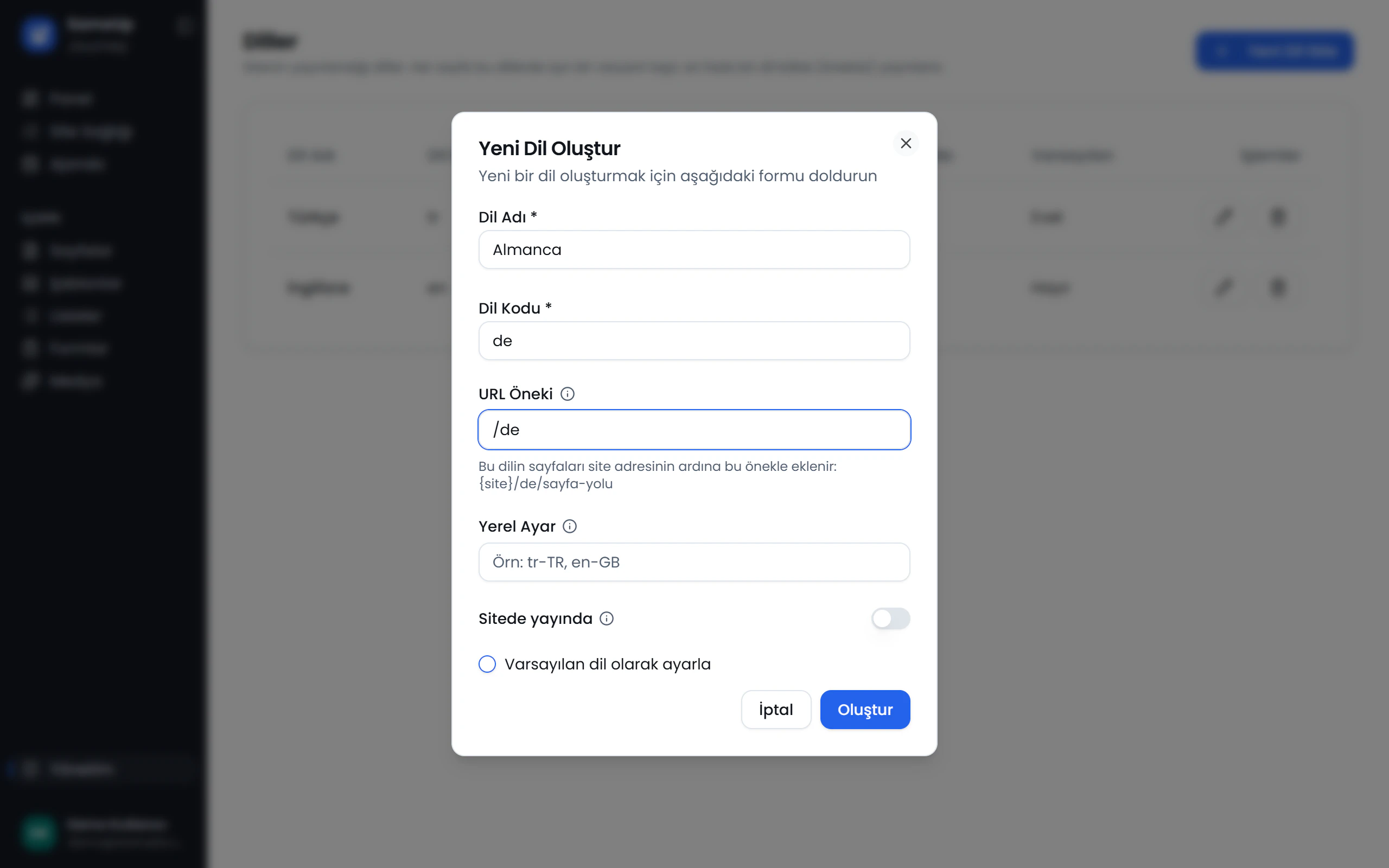
Page setup sequence
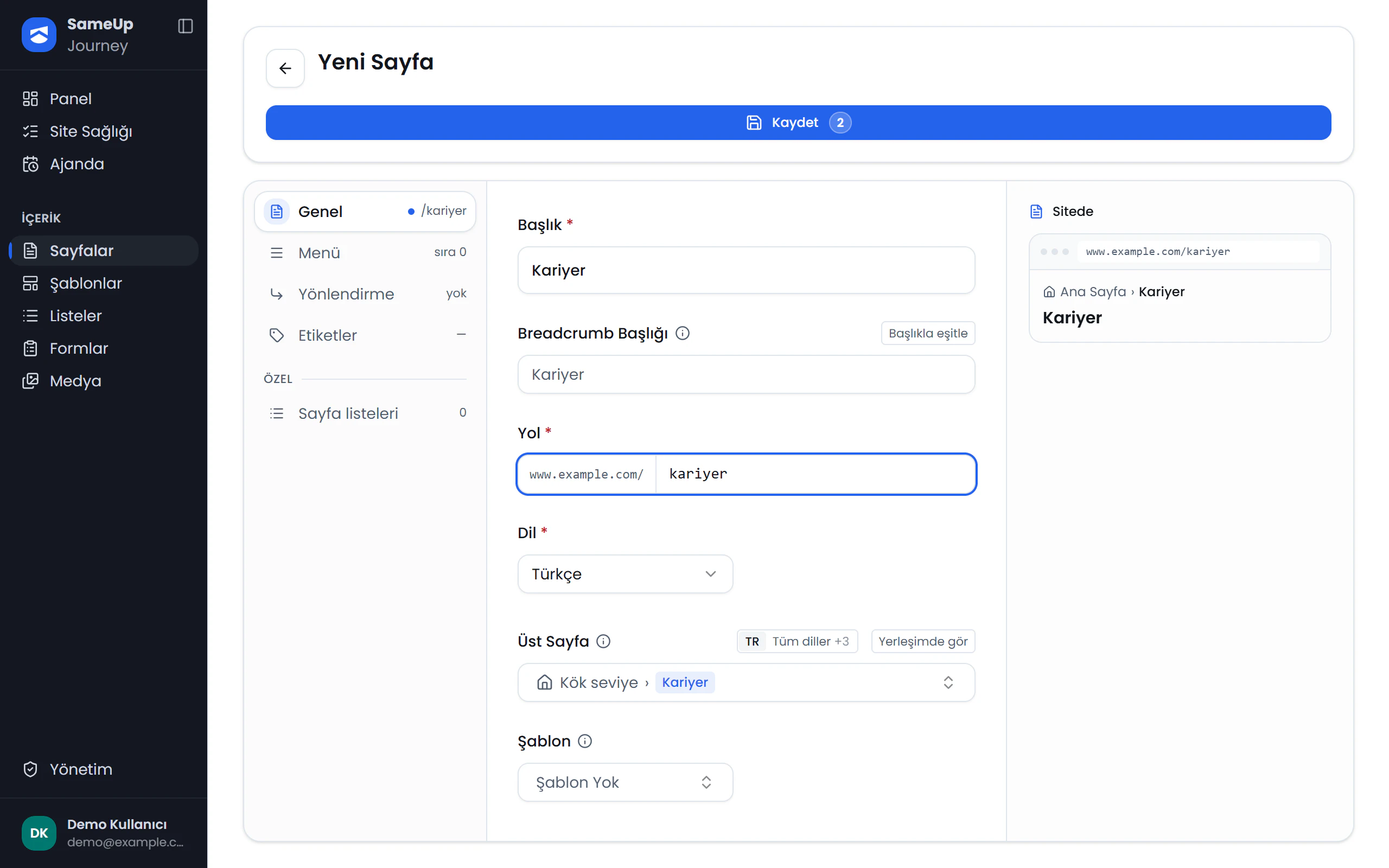
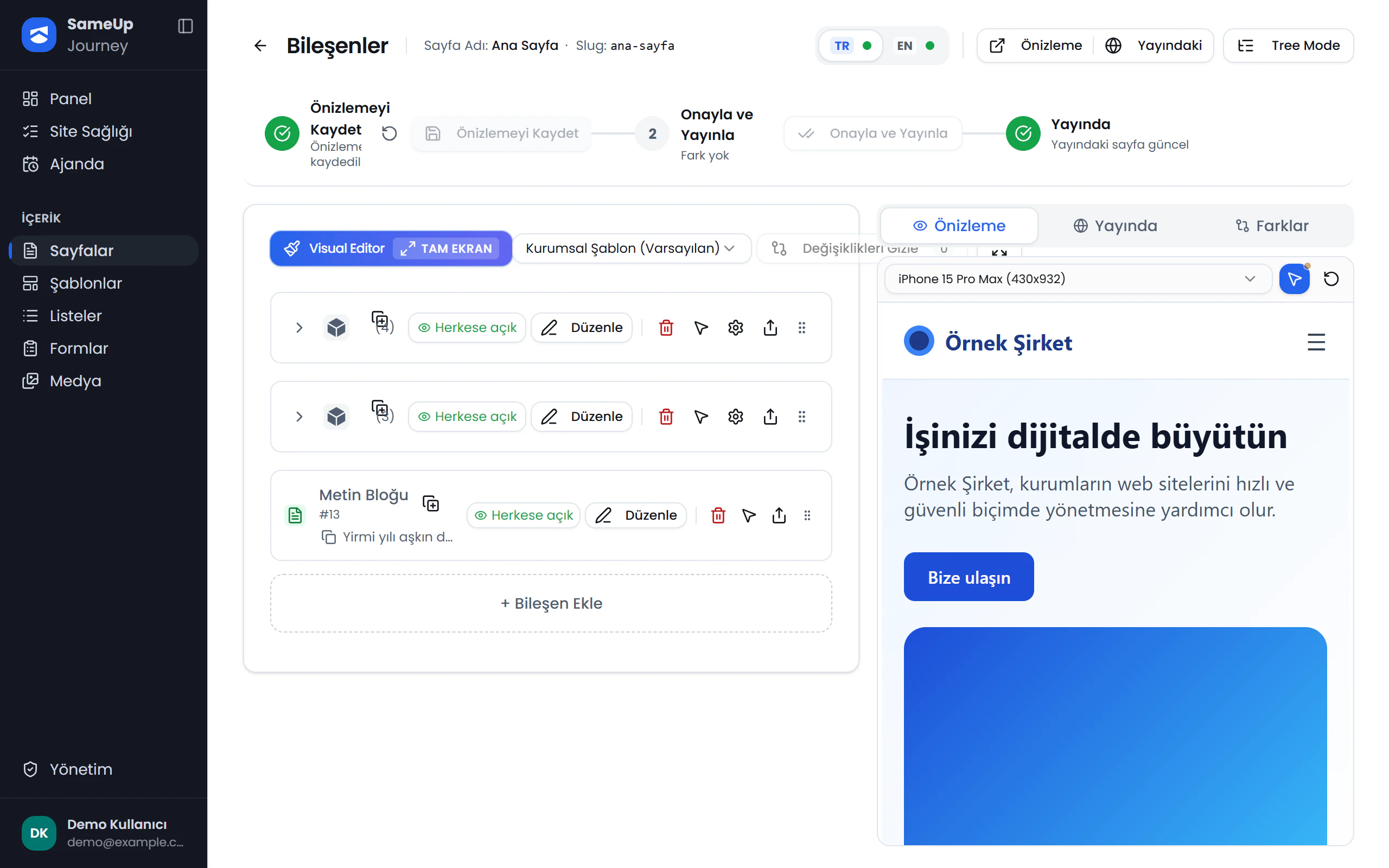
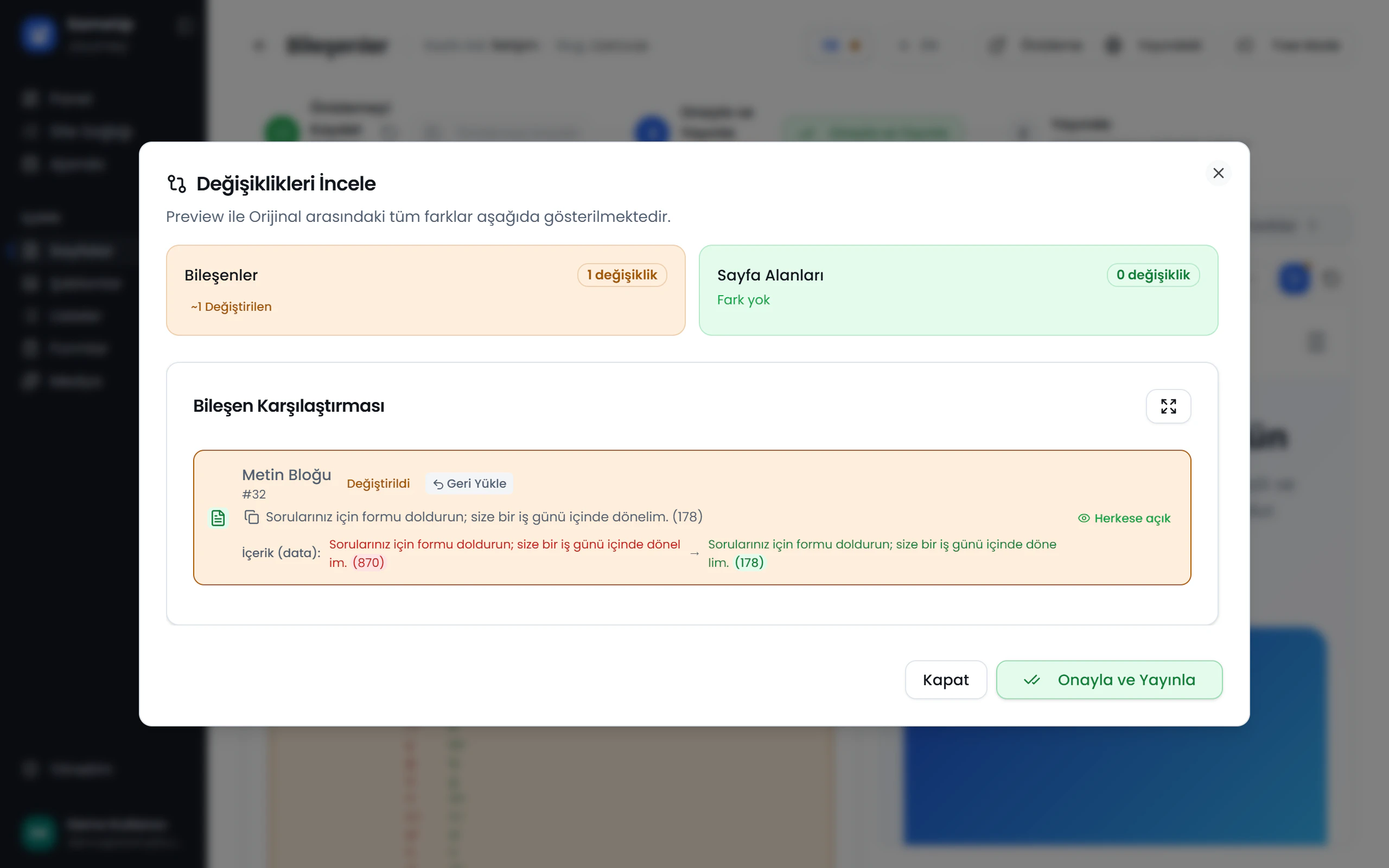
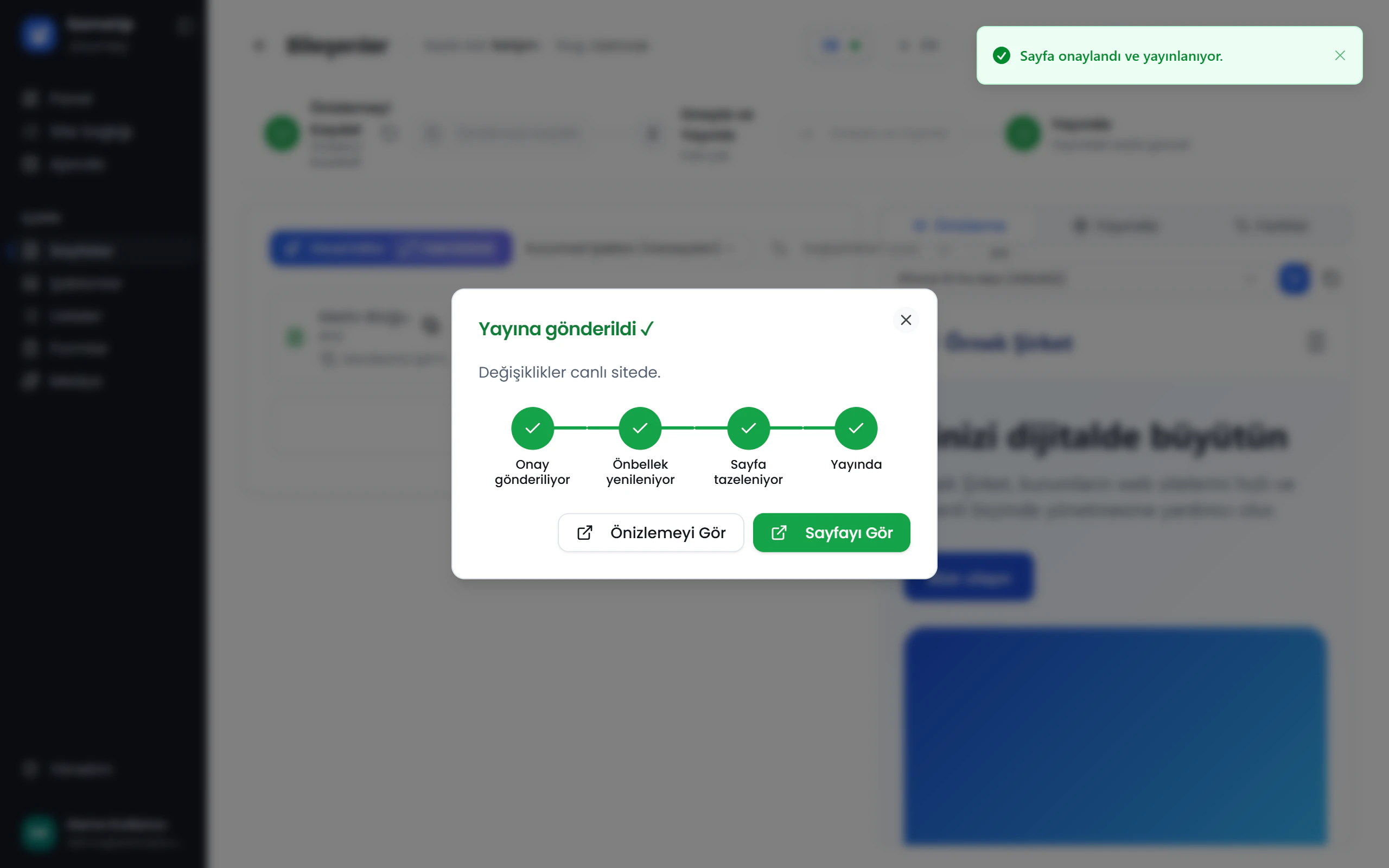
Go from an empty panel to a live, multilingual page in seven steps. Each step lays the groundwork for the next, so when you follow the order, everything you need is ready at each step. Move between the steps and open each one's guide from there.
Language, Page, Add components and Publishing are required. Template, List and Form are optional: a page can be created without a template, and lists and forms are only needed if the page uses them.
Your progress
Required steps: 0/4
0/7 steps
- 1.LanguageRequired
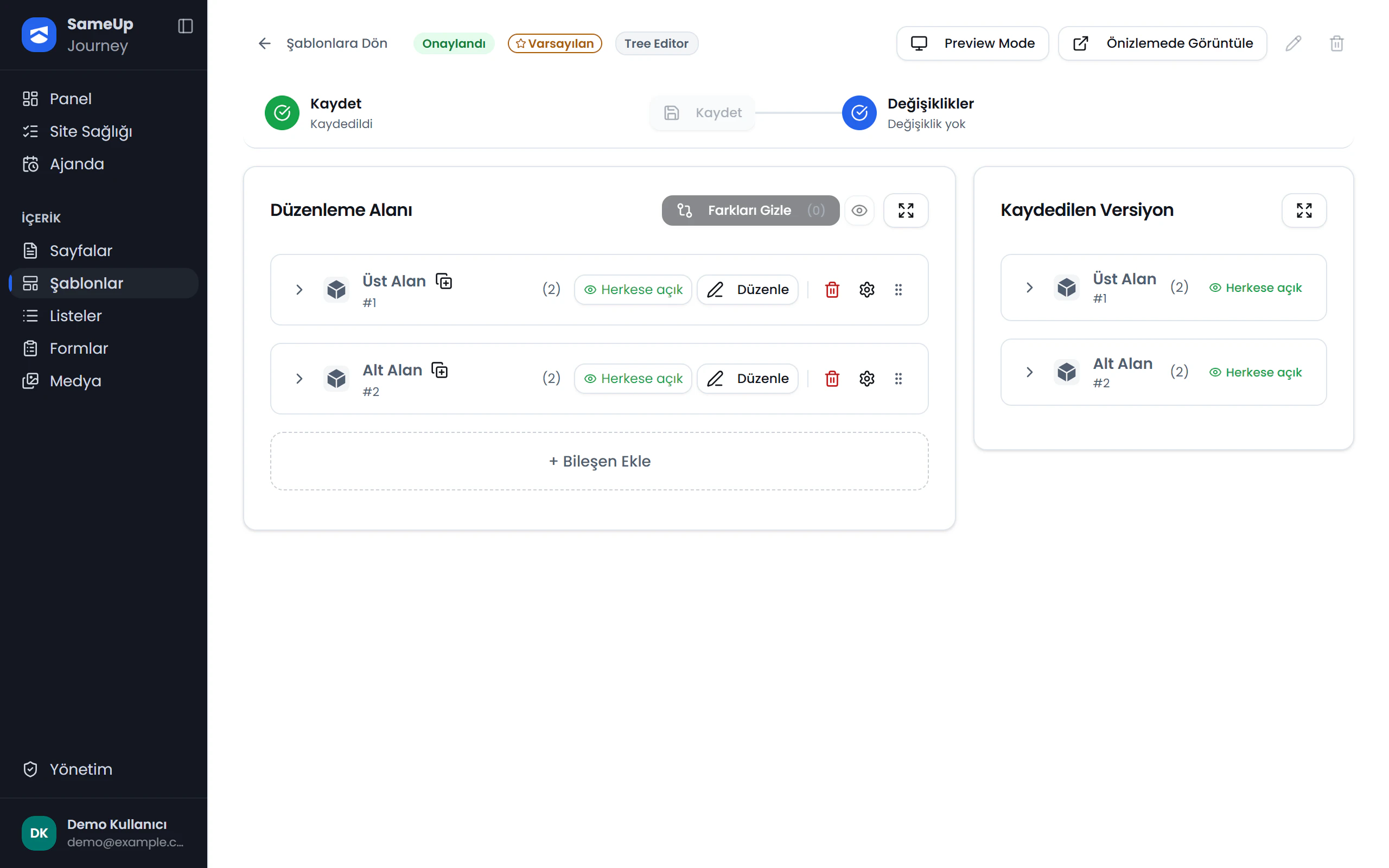
- 2.TemplateOptional
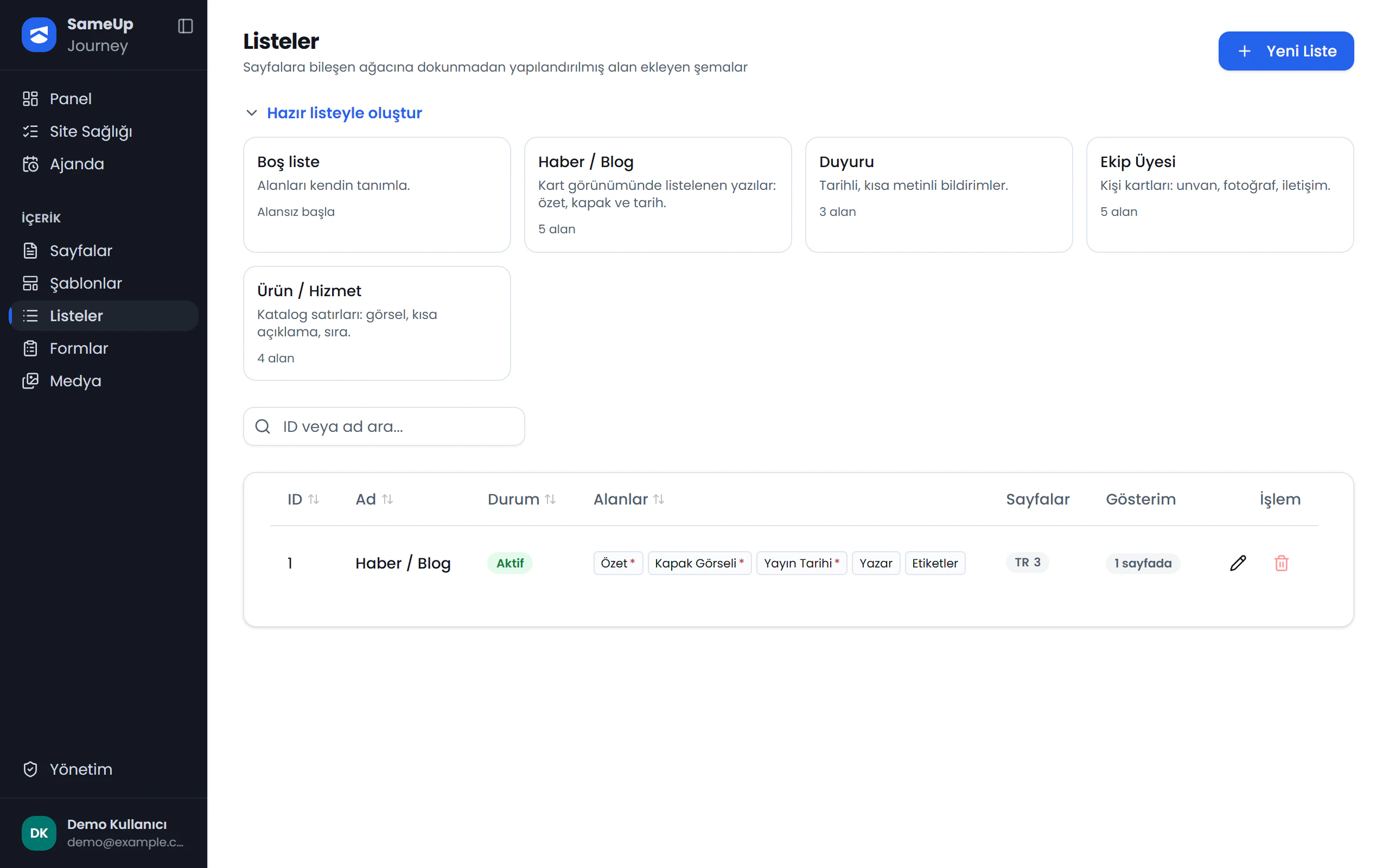
- 3.ListOptional
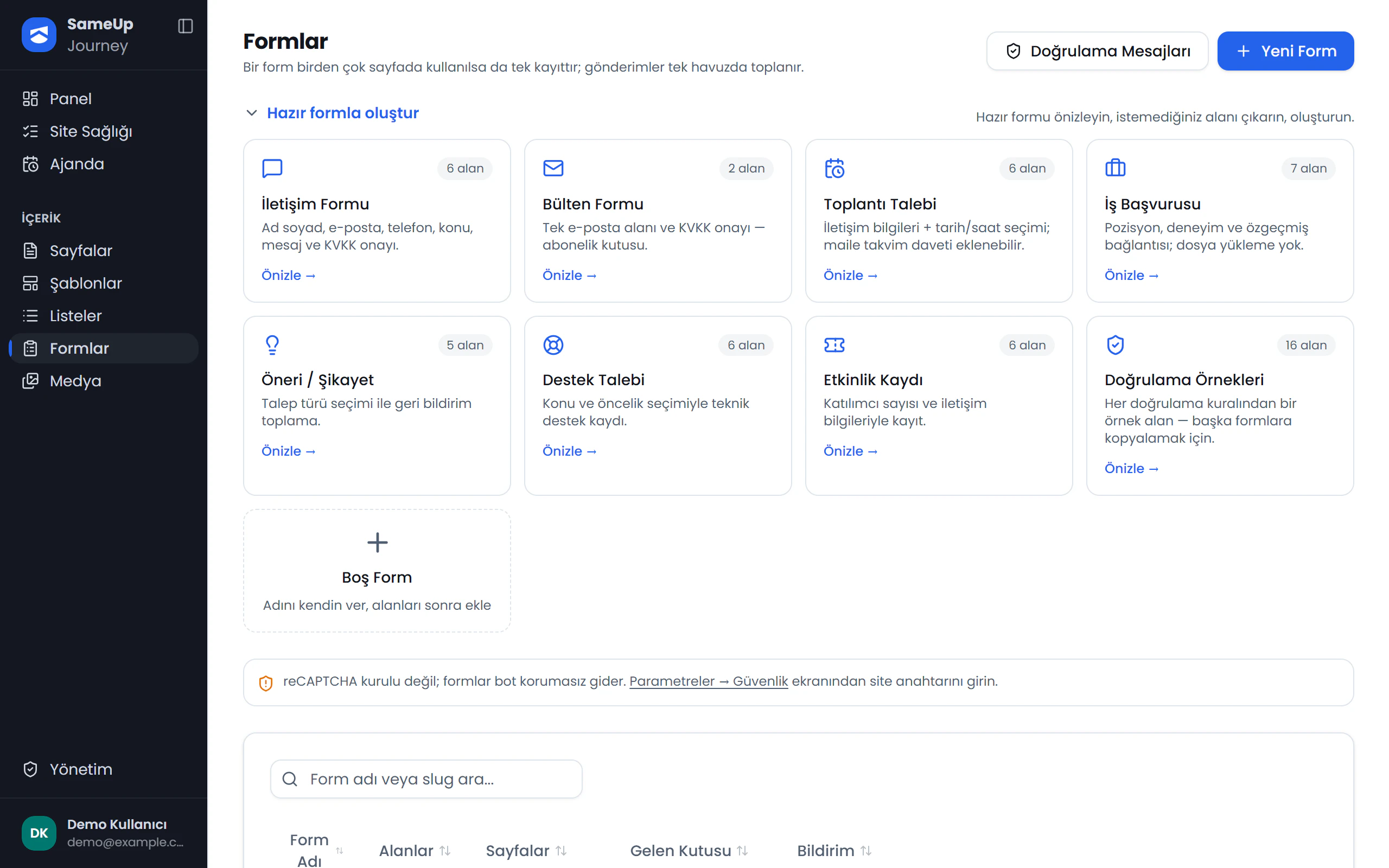
- 4.FormOptional
- 5.PageRequired
- 6.Add componentsRequired
- 7.PublishingRequired
Who does what?
| Role | Responsibility |
|---|---|
| Editor | Prepares pages and their content, then sends changes for approval. |
| User with approval permission | Reviews changes and approves or rejects them. |
| Structure admin | Sets up the component catalog, templates, languages, and lists. |
| Form owner | Manages forms, their fields, and submission flows. |
| Administrator | Manages users, roles, settings, and system screens. |
Component catalog
The administrator sets up the component catalog. If a component you need is missing, ask your administrator to add it.
Related pages
2 · Create a template
Create a language-specific template, send it for approval, and make it the language's default.
3 · Create a list
Add structured fields to pages and manage repeating content, such as a news section, with a list.
4 · Build a form
Create a form, set up its fields and submission flow, and track submissions in the inbox.